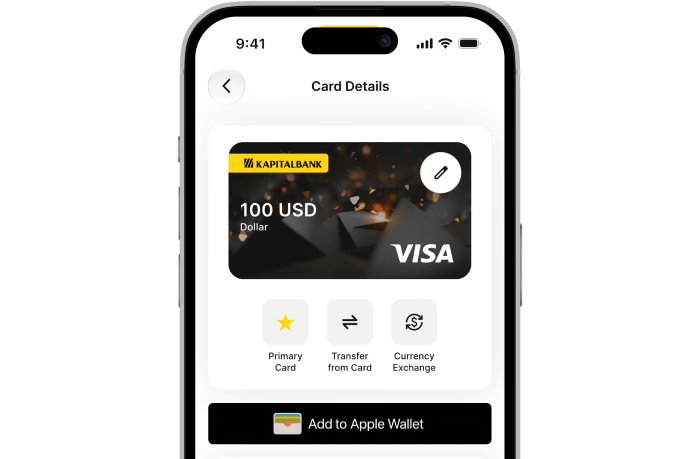
All you need to pay is your Apple device
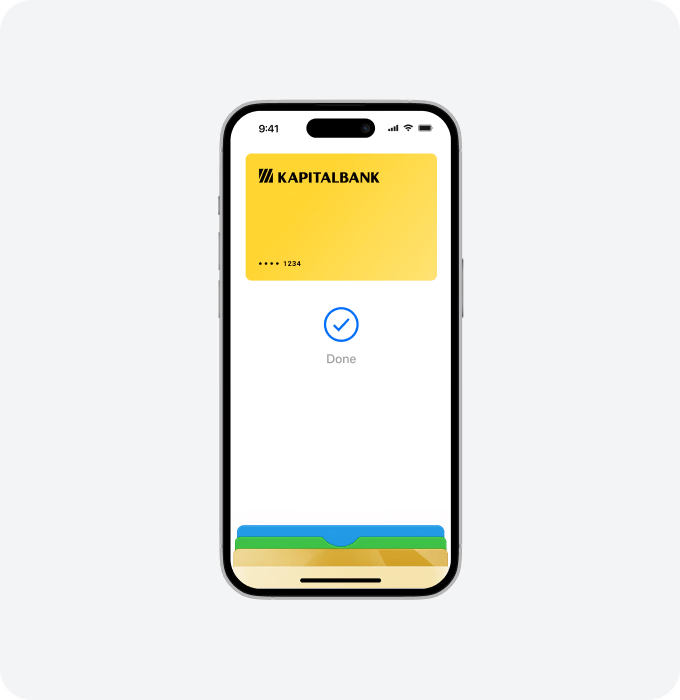
iPhone
iPhone — In store
Double-click. Face ID. Hold iPhone near reader. Done.
With iPhone, double-click the side button, authenticate with Face ID, Touch ID or your passcode, then hold your device near the reader to pay
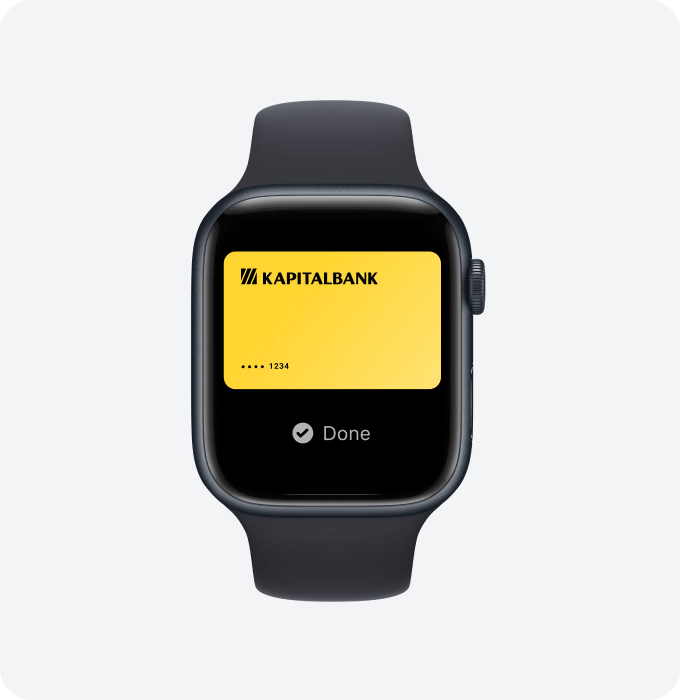
Apple Watch
Apple Watch — In store
With Apple Watch, just double-click the side button, then hold your device near the reader to finish your purchase

iPad & Mac
Online or in-app
When purchasing online or in-app on iPad or Mac, tap the Pay button, confirm your billing and shipping information, then authenticate with Face ID, Touch ID or your passcode
Use it where you already shop
Shop in person. Online or in apps
Apple Pay is accepted anywhere contactless payments are:
in stores and restaurants
in apps and online
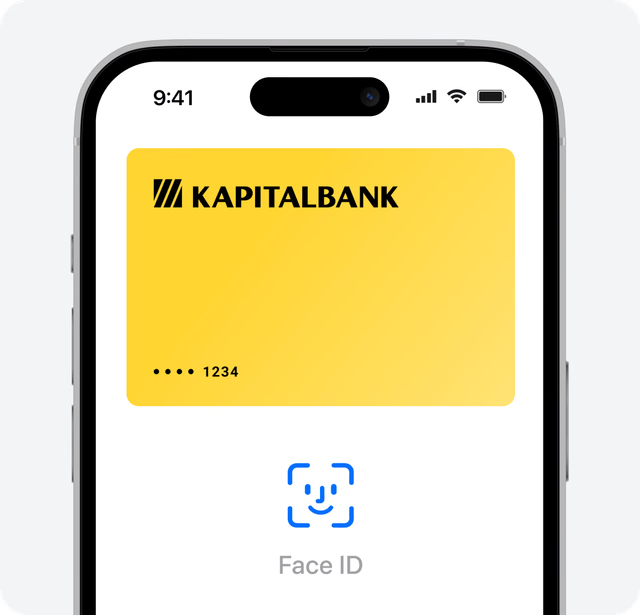
Pay securely
Your actual card number is never stored on your device or Apple servers. And when you pay, your card number is never shared by Apple with merchants

Extra security
All transactions require Face ID, Touch ID or your passcode on your iPhone, iPad or Mac, and a double click on your Apple Watch

Protected by Lost Mode
If you misplace your iPhone, you can quickly mark it as lost on Find My on your Mac, iPad, or online at iCloud.com to suspend your cards in Apple Pay