

20.10.2026
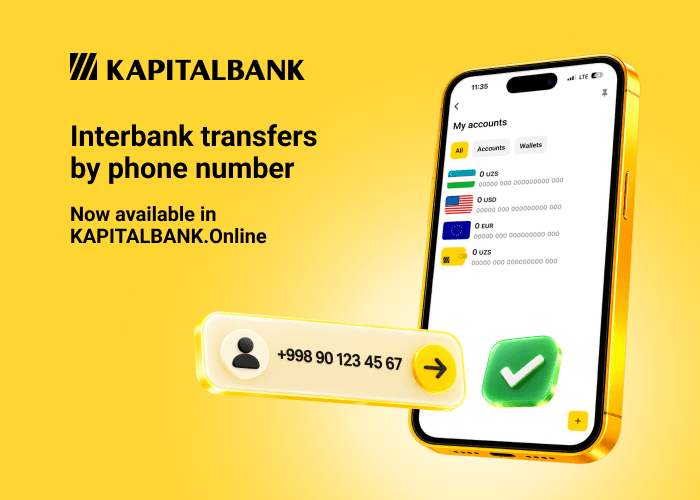
A new way of making interbank transfers has arrived in the Kapitalbank mobile app — via a wallet built on the Instant Payment System (IPS).
Now, to send money to another individual, you no longer need to enter the recipient’s card number or bank details. All you need is the phone number linked to their wallet.
How to open a wallet
Go to the «My Accounts» section and tap «+», then select «Open a wallet».
Alternatively, you can open the «Wallets» tab and choose the corresponding option.
The wallet is opened instantly and is immediately available for top-up. Each client can have one wallet in Uzbek sum.
How to link a wallet to your phone number
To receive interbank transfers by phone number, open your wallet, tap «Link» and confirm the action with the SMS code.
Once confirmed, the wallet will be linked to your phone number, and other users will be able to send you transfers without entering a card number or bank details.
How to top up your wallet
You can top up your wallet from your account in app.
How to send a transfer
Open your wallet and select «Transfer to wallet».
Enter the recipient’s phone number and select their wallet opened in another bank. To make a transfer, all you need is the phone number — no additional bank details are required.
Faster and simpler — right in the app.
Update Kapitalbank app and try the new way of making interbank transfers today.
Download app: App Store | Google Play | App Gallery